

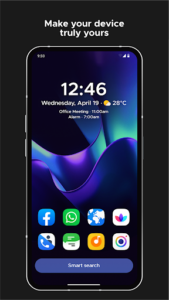
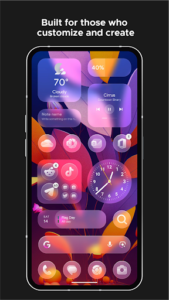
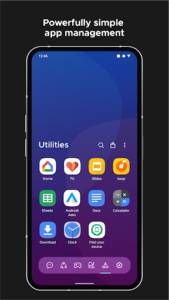
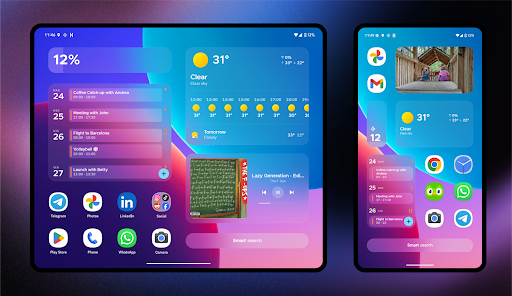
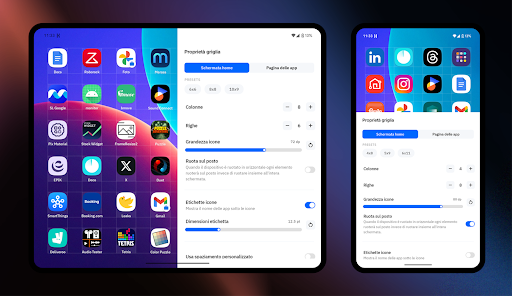
Smart Launcher 6 ‧ Home Screen is a personalization app that helps users manage their device’s home screen. It automatically organizes apps into categories and adapts its color scheme to match the current wallpaper, aiming to keep frequently used items easily accessible. The app offers extensive customization options, allowing users to select from a wide range of Google Fonts and apply various icon packs to create a personalized visual experience for their device.
Automatic App Organization and Accessibility
The app’s core functionality includes automatically sorting installed applications into categories, which helps maintain a tidy phone interface and simplifies finding specific apps. It is designed for one-handed use, strategically placing frequently used apps and actions closer to the bottom of the screen for easier reach.
Customization and Theming
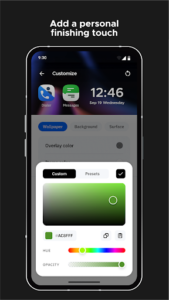
Users can customize the visual style of their home screen. Smart Launcher automatically adjusts its theme colors to complement the chosen wallpaper. Beyond automatic adaptation, it allows for manual customization of theme elements, offers a selection of thousands of Google Fonts with adjustable weights, and supports the use of various icon packs to further personalize the interface.
Integrated Widgets and Stacks
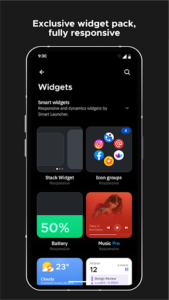
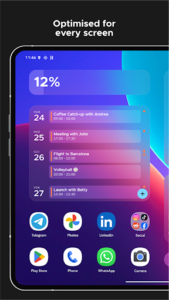
The app includes a set of built-in, responsive widgets for common functions such as weather, photos, calendar, battery status, music control, and notes. A distinctive feature is widget stacks, which enable users to place multiple widgets in the same screen area and scroll through them as needed, optimizing screen space.
Fast Search and Actions
A central search bar provides quick access to apps and contacts. It also supports web searches, performs basic calculations, and can initiate common actions directly from the search interface, streamlining daily tasks.
Personal Stickers and Layouts
Smart Launcher allows users to create custom stickers and integrate them among icons and widgets. This feature enables the creation of highly personalized layouts that reflect individual preferences.
Built-in News Reader
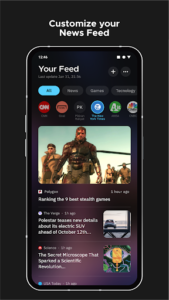
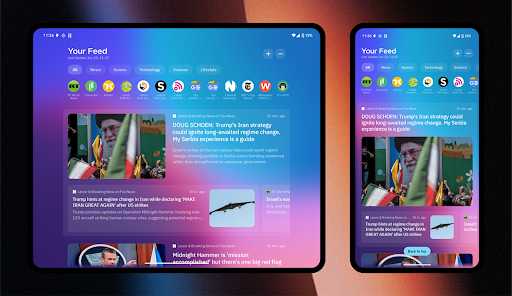
The app features a customizable news reader directly on the home screen, providing a feed for following preferred sources. This reader includes RSS support and allows users to mark articles as read or unread.
Advanced Control Options
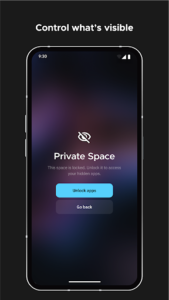
For more granular control, the app supports configuring custom gestures and hotkeys to perform actions like turning off the screen or opening notifications. It can display which apps have active notifications without requiring additional plugins. Users also have the option to hide private apps and protect them with a PIN. To maintain a consistent visual style, the app supports adaptive icons and can hide system bars for a more immersive home screen experience. Additionally, it offers tools to browse wallpapers from various sources and to back up the current wallpaper before making changes.
Recent updates to Smart Launcher 6.6 include visual changes for apps paused by Digital Wellbeing (now greyed out) and archived apps (showing a cloud icon). The news feed has been improved to highlight new articles and allow marking them as read or unread. Users can now choose the weight of their font in the font picker, and the settings search function has been enhanced to work in all languages and find more settings. A new option allows hiding badges on newly installed apps, and fixes have been implemented for themed icons appearing too small and issues with adding Samsung widgets. Minor user interface improvements have also been made.






Write a review